If you want a posture app to support how you carry yourself, start with what you’ll use: a photo review, a guided routine or a record of your practice.
Written by the team building Unknot, based on our current iPhone development build. This guide covers product choices, not medical assessment.
1. Decide whether you want a check-in or a daily practice
Start with the part you expect to use most. For daily stretching, examine the library, written instructions and session controls. For photo reviews, look for a clear capture process and a way to revisit or delete a result. Unknot includes both a posture check-in and routine history; tracking completed sessions does not require a camera.
2. Read what the score actually means
Look for an explanation of what a score measures and what it can help you decide. Unknot presents its posture review as a general-wellness progress signal. It does not rate beauty or diagnose a condition. An unexplained number gives you little basis for choosing what to do next.
3. Check photo handling before adding a picture
Check where analysis happens, whether photos are kept and how to remove them. On-device analysis does not mean a photo disappears immediately. Unknot analyzes front and side photos locally using Apple Vision and stores the check-in on your device. The posture screen lets you review and delete history. Read the privacy policy before providing photos.
Sources: Unknot: privacy policy
4. Check the photo instructions and retake controls
Preview the front and side requirements, make sure the camera can see the requested area and follow the relaxed-stance instructions. Unknot lets you retake a photo before using it. If an instruction or result is unclear, pause to review it. Changing your stance to chase a preferred score makes the check-in less useful.
5. Inspect the movement that follows the review
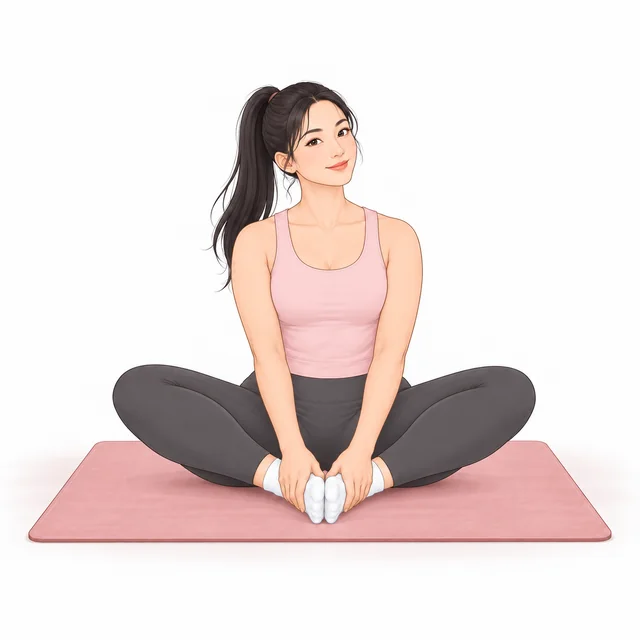
Preview the movements and check that they fit your space and experience. Illustrations show the position; written steps explain how to follow it. In Unknot, you can browse routines by body area, build your own sequence, and pause or finish a session. Try these controls before committing to an app you plan to use regularly.
6. Make access and subscription terms part of the choice
Check what requires payment, whether a trial is offered and where cancellation is managed. Unknot is available for iPhone with paid access and no free trial. Subscription options appear in the app before purchase.
Sources: Unknot: terms of use
7. Choose your next step
A review should help you decide what to do next: explore a routine, understand a check-in or track a practice you want to keep. Completed-session history can record your consistency without a photo every time. For an injury, persistent symptoms or a medical question, seek individual guidance from a qualified professional.
A short checklist before you choose
Can you explain what the check-in measures? Do you know where your photos go and how to delete them? Can you preview and control a routine? Are payment and cancellation terms clear? Choose the app you can see yourself returning to.
Questions before you start
Does a posture app for women need different exercises?
Choose movements by your experience, needs and available space. Unknot is designed for women, but that does not mean the same routine suits everyone.
Does Unknot upload posture photos for analysis?
The current iPhone implementation analyzes posture photos on your device. It does not upload them to a posture-analysis service. Read the privacy policy for the full distinction between local photos and the app’s other service providers.
Do I have to take progress photos to use a routine?
Routine completion and session history do not require a camera. The posture-photo check-in is separate from everyday routine tracking.
Can a posture score tell me whether I look good?
No. Unknot’s posture review is not a beauty rating, a medical diagnosis or a promise of a visual transformation.
Discover your starting point. Build a stretching habit that helps you move more freely.
Unknot is available on the App Store for iPhone.